How it works
JDB System is a professional platform for managing smartphone and electronic device repairs. Discover how to make the most of it.
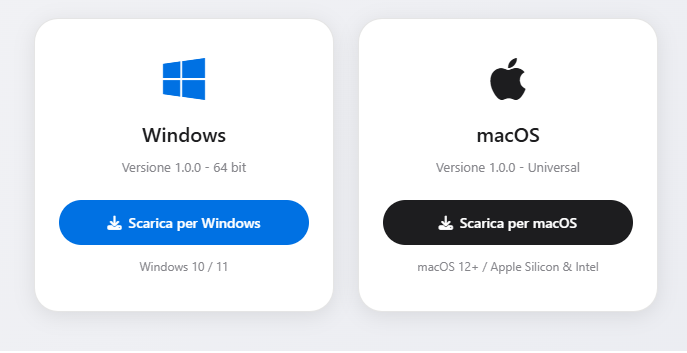
Download the desktop app
Download the native app for Windows or macOS and install it on your computer for a smooth and performant experience, with hardware binding included.
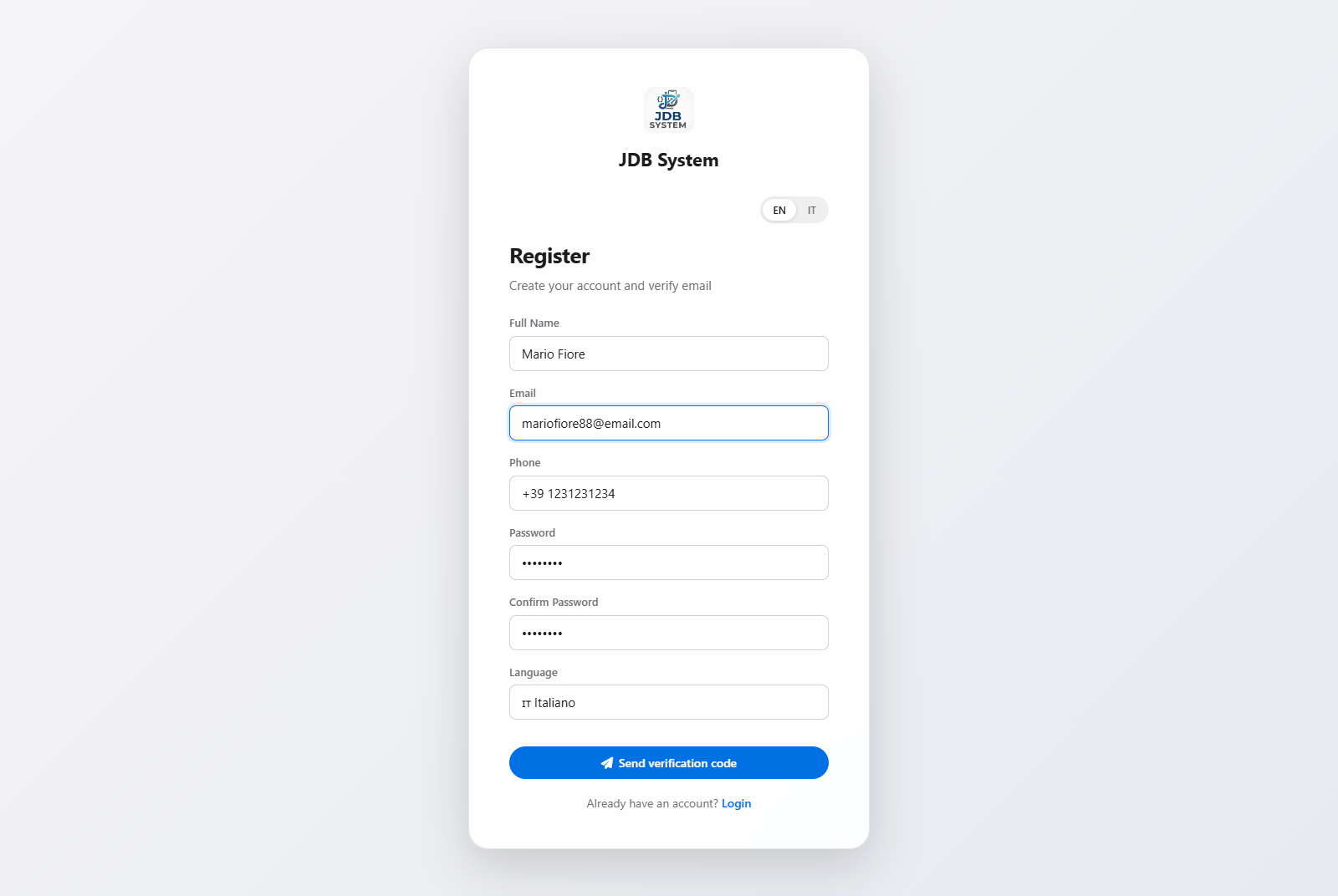
Register and subscribe
Create your account, choose the plan that best suits your needs and start managing repairs professionally.
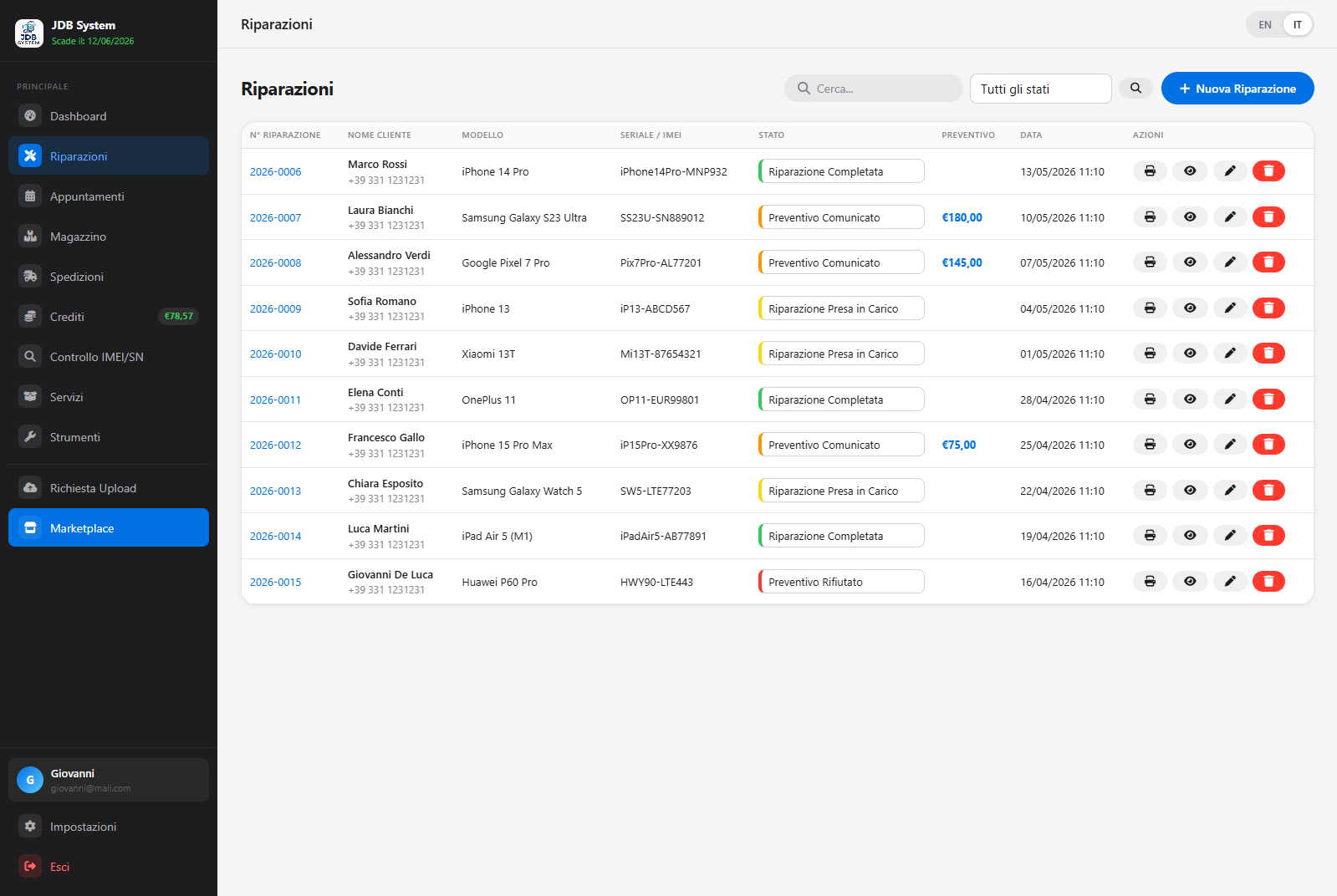
Manage repairs and use the various tools
Register new repairs, assign color statuses, manage customers, check IMEI/SN, access schematics and hardware solutions, all in a single dashboard.
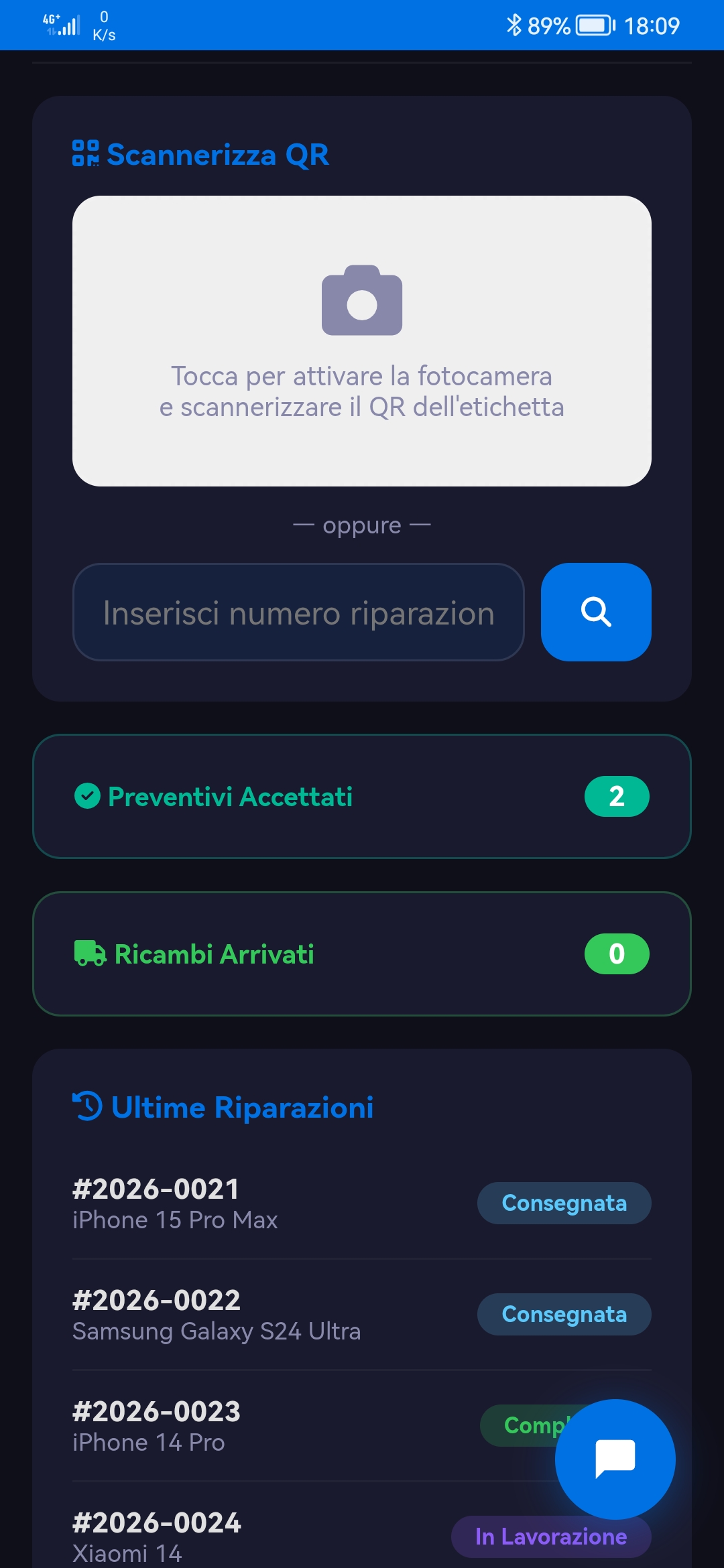
Add your technicians and work as a team
Invite your technicians and let them access directly from the mobile app. Each technician can scan the repair QR code, view the details of the assigned job, and update its status in real time — from acceptance to delivery — streamlining team management and daily workflow.